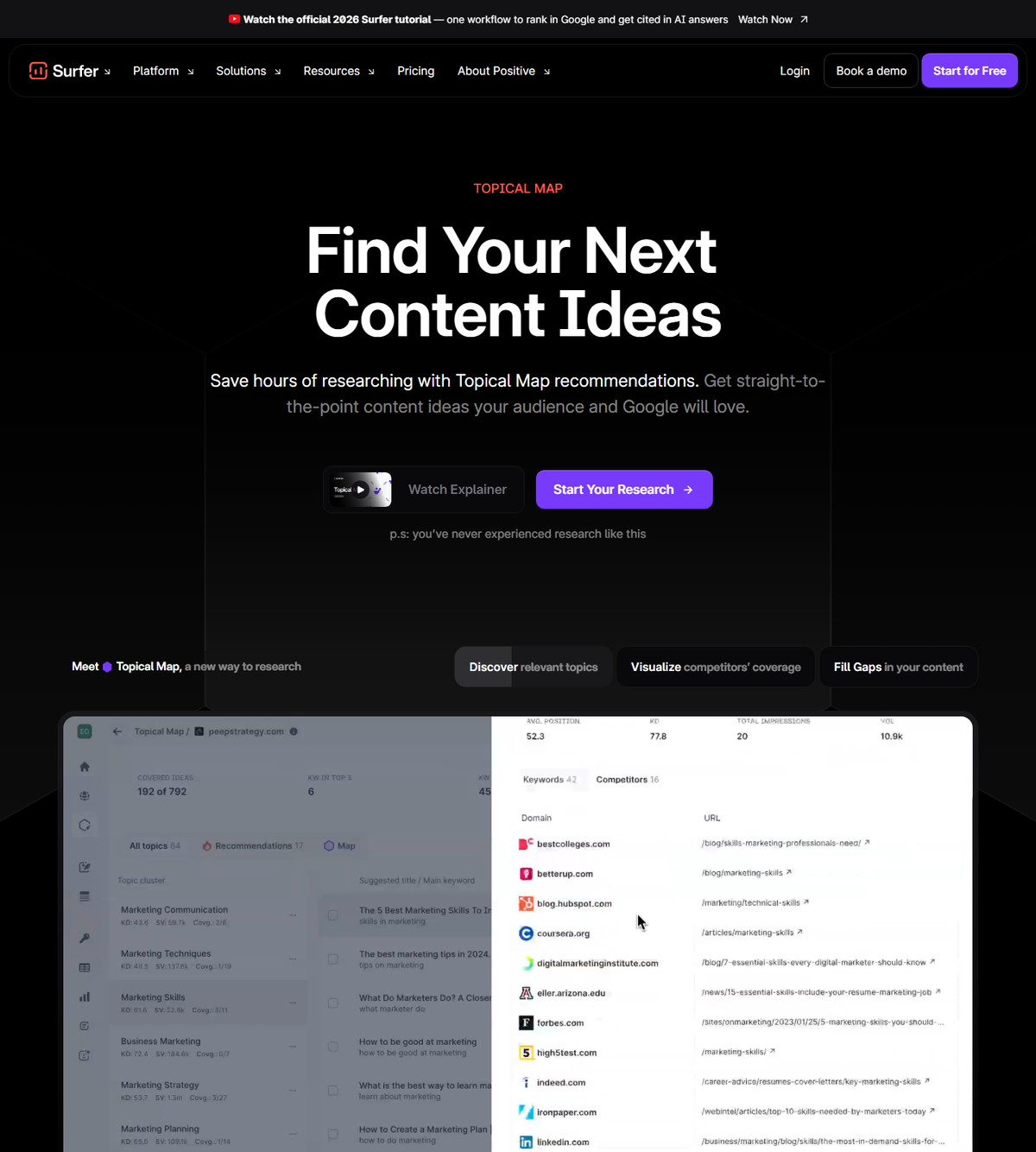
Surfer's Topical Map is the structured content-planning layer that organizes a whole domain's topics into a site architecture, grouping keywords by search intent and content type while mapping internal linking relationships. It scans your existing content, finds gaps against competitors, and serves weekly recommendations. It is separate from Topic Research, which is the faster idea-generation surface, and it works alongside Content Editor and Content Audit in Surfer's documented workflow.
| At-a-glance | Details |
|---|---|
| Tool | Surfer SEO |
| What it does | Plans content clusters and site-wide topical architecture |
| Where it lives | Sites projects in Surfer |
| Main input | Google Search Console data (at least 30 days for Sites) |
| Creation paths | Auto-generated for existing domains; built from Topic Research for new niches |
| Key outputs | Cluster hierarchy, content gap map, weekly recommendations |
| Refresh cadence | Documented as every 14 days and as monthly updates |
| Check date | August 10, 2026 |
Quick Answer: What Is Surfer's Topical Map?
It is Surfer's domain-level content planning tool: it groups your topics into clusters, maps how they should link to each other, and recommends what to publish next. Surfer's help center describes Topical Map as designed for structured, long-term content planning that organizes topics into a complete site architecture, grouping them by search intent and content type while mapping internal linking relationships.
- For existing sites: Surfer scans your content and auto-generates a Topical Map with new article ideas to expand your current authority.
- For new niches: you start from Topic Research, then build a full Topical Map for long-term strategy.
- Weekly direction: personalized recommendations tell you which topics are most likely to strengthen your clusters.
- One per domain: only one Topical Map can be created for a specific domain.
If this planning workflow fits your publishing process, check Surfer's current access options before creating a Sites project.
What Topical Map Does (and What It Is Not)
Topical Map is the planning layer, not the writing tool, not the audit tool, and not a browser extension. The help center documents its job as deciding how all your content should work together across your site.
Documented capabilities:
- Structures topics into a clear hierarchy.
- Groups keywords by intent and classification.
- Helps prevent cannibalization by organizing coverage.
- Connects to Google Search Console for in-depth analysis.
- Refreshes regularly to stay current.
- Supports full-site content planning.
It is not Content Editor (which writes and scores), not Content Audit (which monitors published pages), not Keyword Surfer (the Chrome extension), and not Surfer AI (the generator). Those products consume or extend the plan; Topical Map produces the plan.
Topical Map vs Topic Research
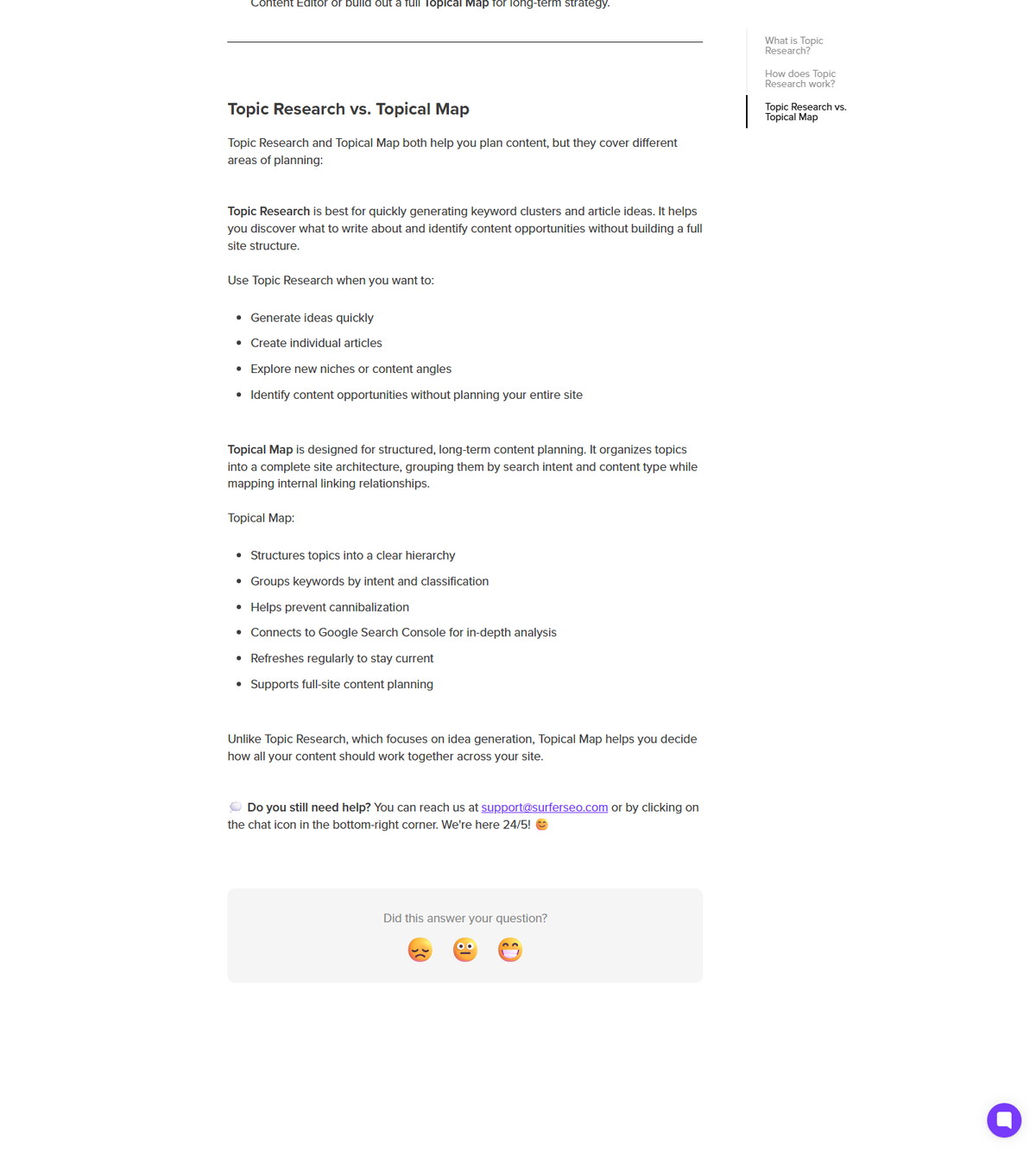
Topical Map plans the whole site architecture; Topic Research quickly generates keyword clusters and article ideas from a seed keyword. Surfer's Topic Research article documents the distinction explicitly.
<div class="scalewitai-table-scroll" role="region" aria-label="Surfer SEO Topical Map guide data table” style=”max-width:100%”>| Attribute | Topical Map | Topic Research |
|---|---|---|
| Focus | Full-site content strategy | Fast idea generation |
| Input | Your domain and GSC data | A seed keyword or topic |
| Output | Cluster hierarchy and site architecture | Keyword clusters and article ideas |
| GSC connection | Documented as core for analysis | Optional |
| Scope | One map per domain | Multiple queries allowed |
Topic Research was initially part of the broader Topical Map. It analyzes the SERPs for your selected country and language, groups related terms by similarity and search intent, and lets you send clusters directly to the Content Editor or build a full Topical Map for long-term strategy.
What You Need Before Creating a Topical Map
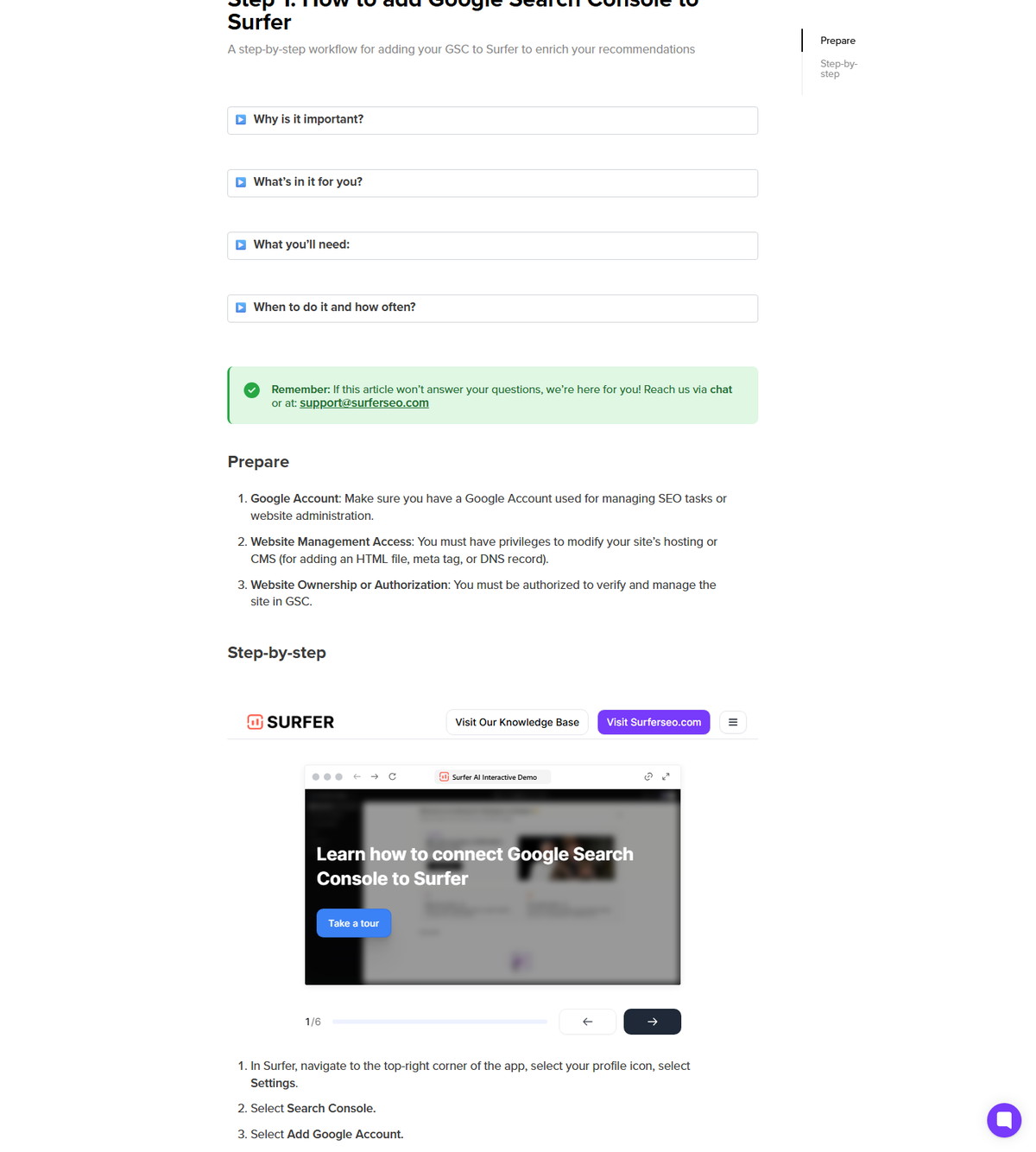
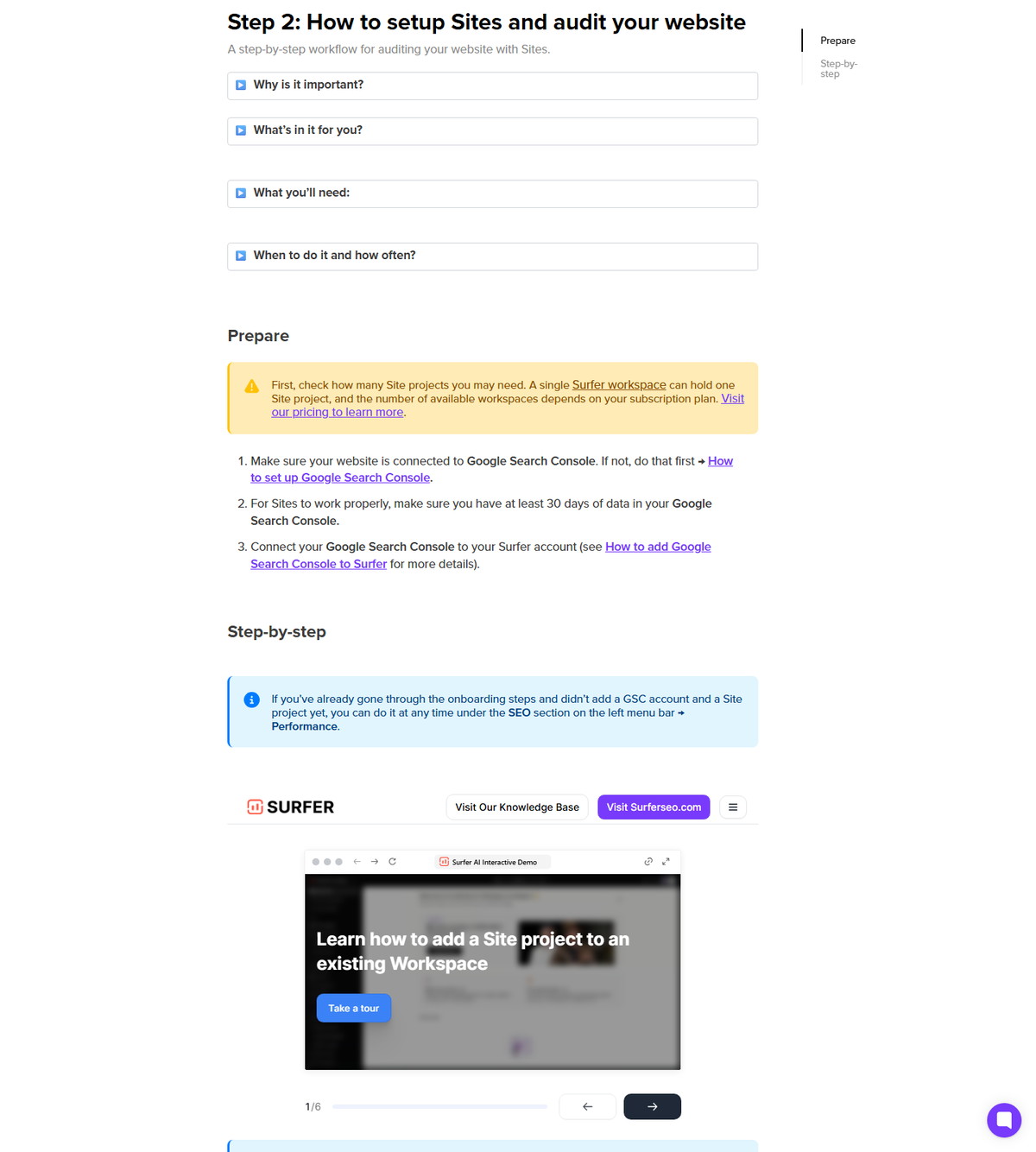
Connect Google Search Console to Surfer and have a Sites project, with at least 30 days of GSC data documented for Sites to work properly. Surfer's step-by-step guide treats GSC as the main source of information about website performance.
| Requirement | Documented detail |
|---|---|
| Google Search Console | Main performance data source; connection enriches recommendations |
| GSC data history | At least 30 days for Sites to work properly |
| Sites project | One Site project per workspace; workspace count depends on plan |
| Surfer subscription | Required for full platform use |
The topical authority framing matters too: Surfer describes topical authority as a trust signal awarded when a site stays focused, relevant, and in-depth around one subject, and positions Topical Map as the tool for organizing clusters that build it.
How to Create a Topical Map for an Existing Site
Surfer auto-generates a Topical Map for an existing domain after you add it under SEO in Surfer. The find-content-ideas guide documents the flow.
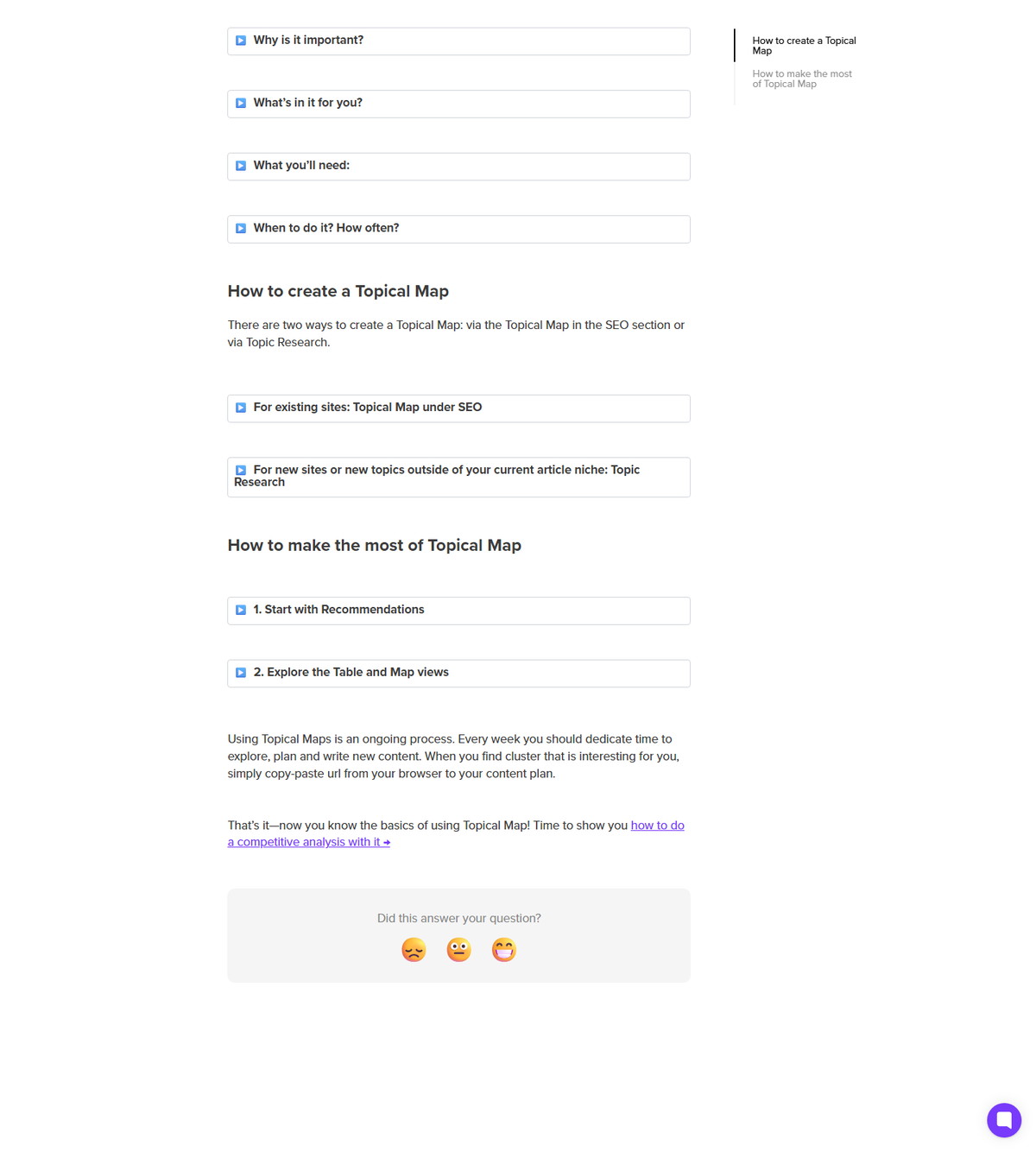
- Go to SEO, then Performance, and add your domain if you have not already.
- Surfer scans your existing content.
- Surfer auto-generates a Topical Map with new article ideas to expand your current authority.
- The Topical Map becomes available under the Sites project for that domain.
Two documented rules: only one Topical Map can be created for a specific domain, and the data is refreshed every 14 days. Once created, the map stays tied to the Sites project.
How to Build a Topical Map for a New Site or Niche
For new sites or topics outside your current niche, start in Topic Research and let the map grow as you publish. The same guide documents this path.
- Go to More tools, then Topic Research.
- Select New Topic Research.
- Enter the topic or main keyword you want to explore.
- Optionally connect GSC to see which new ideas are already ranking on your domain.
- Review the generated clusters, then build them into a Topical Map for long-term strategy.
You can create as many Topic Research queries as you want and access them through the Topic Research dashboard. As you keep publishing new topics, your Topical Map auto-updates and reflects your progress.
How to Read the Table and Map Views
The default table view lists clusters on the left and article ideas on the right; the map view visualizes coverage on a hexagonal map. Surfer documents both views and their filters.
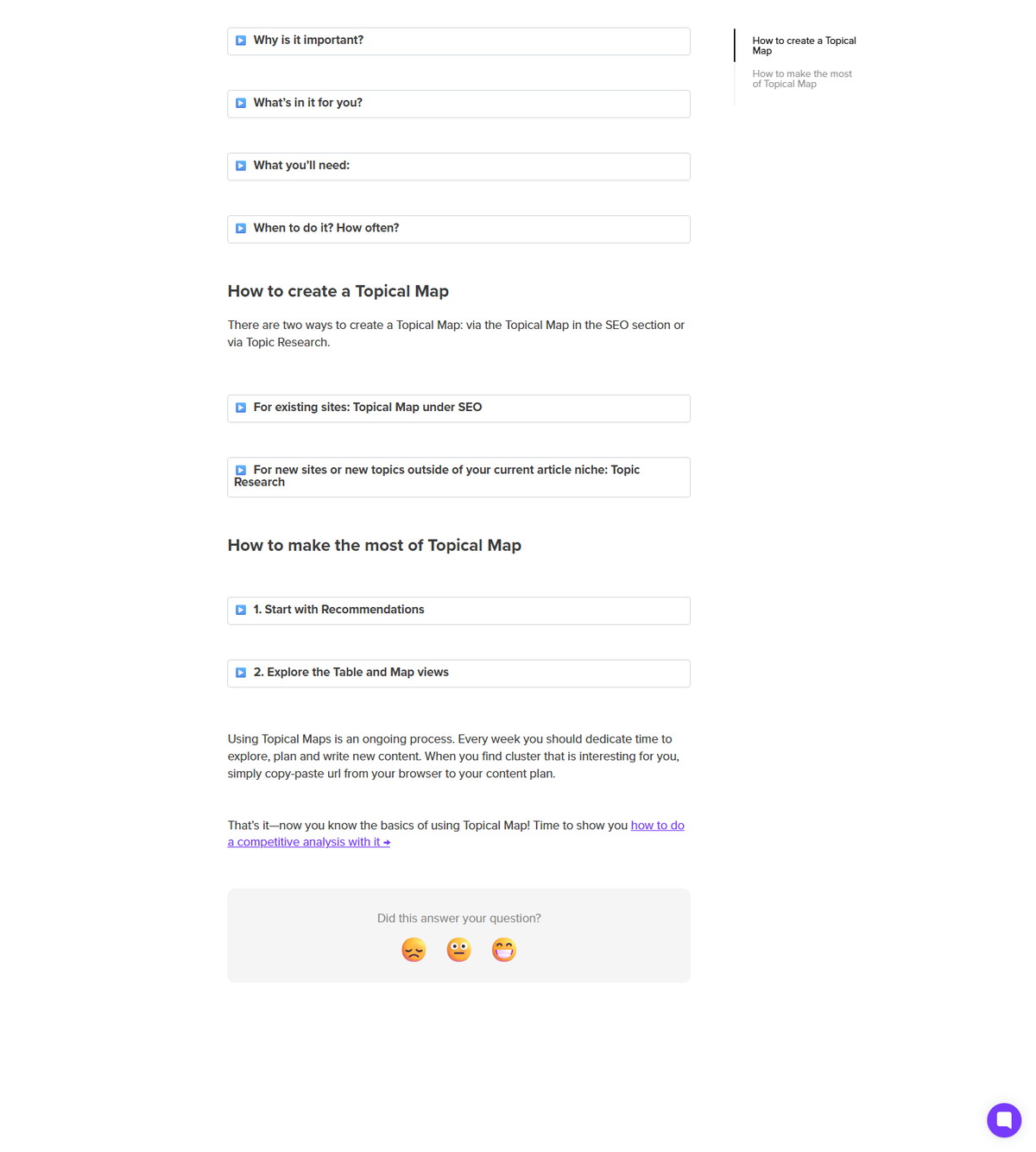
Table view:
- Clusters appear on the left, article ideas on the right.
- Clicking an article opens a detailed view with suggested keywords, associated search intents, and competitors.
- Filters apply to both views.
Map view:
- Color code by Coverage to highlight content gaps; white space means zero or minimal coverage.
- Color code by Keyword Difficulty to spot easy wins, with low difficulty as easier targets.
- Focus on central clusters for ideas semantically closest to your main topic.
- Apply search volume and keyword difficulty filters, and locate specific main keywords directly.
| View feature | What it shows | Best use |
|---|---|---|
| Cluster table | Clusters on the left, article ideas on the right | Navigate and prioritize within a cluster |
| Article detail | Suggested keywords, intents, competitors | Decide scope before writing |
| Coverage color coding | White space = zero or minimal coverage | Find content gaps |
| Difficulty color coding | Low difficulty = easier targets | Pick quick wins |
| Search volume and difficulty filters | Restrict keywords by ranges | Focus the plan |
Weekly Recommendations and the Score Column
Surfer prepares a weekly personalized list of recommendations for your domain, with a Score column to prioritize them. The recommendations are based on metrics like search volume, keyword difficulty, and popularity, plus how well each cluster is already covered.
- Recommendations target the topics most likely to strengthen existing clusters.
- The Score column shows the potential of each recommendation.
- Recommendations are also delivered weekly by email; Surfer asks you to whitelist its sender address.
- Surfer suggests monthly planning for the content calendar and weekly follow-up on recommendations.
- The product page adds that Topical Map generates content ideas to fill your calendar for weeks, months, or even years.
Topical Map in the Surfer Workflow
Topical Map is the first step in Surfer's documented content loop: discover, create, audit. The product pages describe the workflow consistently.
| Workflow stage | Surfer product | Role |
|---|---|---|
| Discover and explore | Sites and Topical Map | Find gaps, plan clusters, build authority |
| Create and optimize | Content Editor (with Surfer AI and Auto-Optimize) | Write articles that close the gaps |
| Audit and monitor | Content Audit | Track positions and refresh opportunities |
The Content Editor product page documents the same loop: start with Sites to integrate Topical Map from discovery to optimization, write top-notch articles to close content gaps with Content Editor, then audit and monitor with Content Audit.
Best Practices for Using Topical Map
Treat Topical Map as a recurring planning habit, not a one-time setup. Surfer's guidance supports a simple operating rhythm.
- Set up Sites and GSC once, then review insights weekly.
- Use monthly planning sessions for the content calendar and weekly sessions for recommendations.
- Prioritize by the Score column and by coverage gaps, where white space marks zero or minimal coverage.
- Target low-difficulty keywords in central clusters for easier wins.
- Keep publishing within the clusters; the map auto-updates and reflects progress.
- Remember that the documented refresh cadence is approximate: Surfer states data refreshes every 14 days and also describes monthly updates.
- Validate topical authority outcomes with your own analytics; Surfer's positioning is vendor framing, not a guarantee.
FAQ
What is the difference between Topical Map and Topic Research?
Topical Map is structured, long-term, site-wide content planning, while Topic Research is fast idea generation from a seed keyword. Topical Map organizes a complete site architecture by intent and content type with internal linking relationships; Topic Research returns keyword clusters you can turn into articles, and GSC connection is optional there.
Is Google Search Console required for Topical Map?
Surfer documents GSC as the main source of performance data and recommends connecting it before creating a Topical Map. For Sites projects, Surfer documents needing at least 30 days of GSC data, and Topic Research works without GSC.
How often does Surfer update a Topical Map?
Surfer documents two figures: data refreshes every 14 days, and Topical Maps update monthly. Treat the cadence as approximate and check the map regularly.
Can I create more than one Topical Map for a domain?
No. Surfer documents that only one Topical Map can be created for a specific domain. It becomes available under the Sites project for that domain, and it auto-updates as you publish.
Does Topical Map write content for me?
No. Topical Map plans topics and clusters; the writing happens in Content Editor or with Surfer AI. Topical Map sends ideas and clusters into the workflow, and Surfer AI generates articles from guidelines inside Content Editor.
Is Topical Map the same as Content Audit?
No. Topical Map plans what to write, while Content Audit monitors existing pages and recommends refreshes. Both are part of the same workflow: discover and plan with Topical Map, create with Content Editor, then audit and monitor with Content Audit.
Does Topical Map guarantee rankings or AI citations?
No. Surfer markets Topical Map as supporting topical authority and AI visibility, but that is vendor positioning. The tool provides planning data and recommendations; rankings, traffic, and citations are not guaranteed and should be validated with your own analytics.