Rytr Email Generator can turn a short brief into an email draft after you select a language, choose a tone, select the AI Email Generator use case, add input, and ask Rytr to write. Treat that output as a starting point, not a send-ready message. The fastest reliable workflow is to brief the recipient, purpose, offer, proof, call to action, and constraints, generate alternatives, then edit and verify every material claim before sending.
| At a glance | Details |
|---|---|
| Tool | Rytr Email Generator |
| Best fit | First drafts for marketing, sales, follow-up, outreach, and routine business email |
| Official workflow | Select language, select tone, choose AI Email Generator, add input, generate, refine |
| Useful controls | 20+ preset tones, custom tone options, editor commands, Chrome extension |
| Human checks still required | Facts, personalization, permissions, links, legal language, plagiarism, and final rendering |
| Current monthly prices | Free $0, Unlimited $9, Premium $29, checked August 1, 2026 |
Rytr’s public email page positions the tool for professional and personal correspondence and says the in-line editor can improve text, change length, and change tone. That makes it useful for reducing blank-page time, but it does not establish accuracy, deliverability, inbox placement, or compliance. If you need broader product context before adopting this workflow, our contextual Rytr review covers the platform beyond email drafting.
What the Rytr Email Generator Does
The official Rytr Email Generator page describes a five-part process: select a language, select a tone, choose the AI Email Generator use case, provide a phrase, sentence, or keyword, and generate an email. It also says users can continue refining the result. In practical terms, Rytr is a drafting and editing layer. It is not described on that page as an email service provider, campaign sender, contact database, deliverability monitor, or compliance system.
That distinction matters. Rytr can help you get from a brief to usable copy, while your email platform remains responsible for list management, sending, unsubscribe mechanics, analytics, and template rendering. Your team remains responsible for truthful claims, approved positioning, consent, privacy, brand review, and any legal requirements that apply to the message.
Use Rytr where language production is the bottleneck:
- drafting a concise follow-up after a meeting;
- turning campaign notes into a promotional email body;
- adapting one message for customers, prospects, or partners;
- producing several angles for an outreach email;
- shortening a long internal update;
- improving an awkward paragraph without rebuilding the whole message;
- drafting a newsletter, which Rytr also offers as a separate public use case.
It is less suitable as an unattended automation layer. Rytr’s Terms place responsibility for generated content, including its legality, reliability, and appropriateness, on the user. Human approval should therefore remain a required step.
Build an Email Brief Before You Generate
A one-line prompt can produce text, but a decision-ready brief produces a draft that is easier to judge. The official page says a phrase, sentence, or keyword is enough to start. Our editorial recommendation is to supply more context whenever the interface’s input allowance permits it.
Use this brief structure:
| Brief element | What to include | Why it matters |
|---|---|---|
| Recipient | Role, relationship, and relevant situation | Establishes context without inventing personal details |
| Goal | One action the email should achieve | Prevents competing calls to action |
| Offer or message | Product, update, request, or next step | Gives the draft a concrete center |
| Proof | Approved result, feature, policy, or source | Reduces unsupported claims |
| Tone | Friendly, formal, persuasive, appreciative, or another available option | Aligns language with the relationship |
| Constraints | Word limit, banned phrases, required facts, deadline, and format | Makes the output easier to use |
| Call to action | Exact action and destination | Keeps the close specific |
Editorial prompt template:
> Write an email to [recipient role] who [relevant context]. The goal is [single objective]. Explain [approved message] using only these facts: [verified facts]. Use a [tone] tone, keep the body under [word count] words, and end with [one call to action]. Do not invent results, dates, customer details, discounts, or guarantees.
This is ScaleWitAI editorial guidance, not an official Rytr template. Replace every bracketed field. Do not paste secrets, health information, payment data, unpublished financials, or unnecessary personal data into the brief.
Choose Language, Tone, and Voice Deliberately
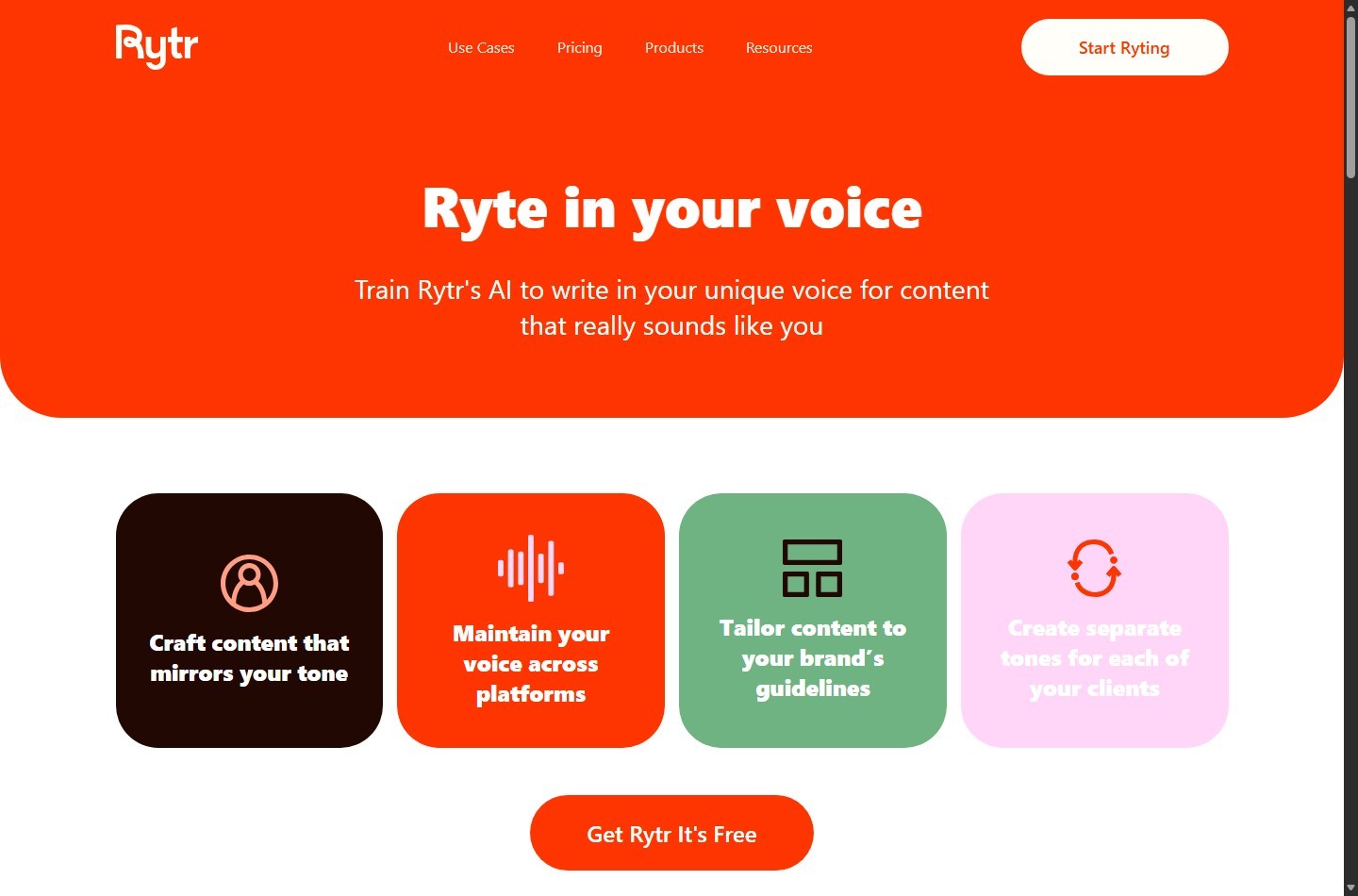
Rytr’s email page advertises email generation in more than 30 languages and more than 20 preset tones, plus a custom option. The current pricing page presents a different language boundary: Free and Unlimited show access to one language, while Premium shows 35+ languages. The help center says Rytr supports 30+ languages, Free and Unlimited users can access one chosen language, Premium users can access all languages, and non-Premium users can update their language once a month. Rytr’s homepage adds another conflicting statement by advertising 40+ languages for Premium.
Preserve that uncertainty in procurement decisions. Check the live plan selector and the account interface before paying for a specific language. Do not promise a client that a language is available based on one marketing page alone.
Tone also needs a distinction:
- Preset tone: Rytr publicly lists 20+ pre-programmed tones on its pricing page.
- Tone Match: The pricing table says Free has no Tone Match, Unlimited has one, and Premium has multiple. The homepage is more specific, saying Unlimited can build one personalized tone and Premium can build five.
- Use-case wording: The email page says users may select from 20+ preset tones or customize one.
These official descriptions do not fully align. We would treat preset tone selection and personalized Tone Match as separate capabilities, then verify the plan entitlement in the live account before building a client workflow around it.
Choose tone according to risk, not novelty. A playful tone may fit a consumer re-engagement email but weaken a payment notice. A persuasive tone can help a launch email but should not turn qualified evidence into certainty. For sensitive messages, start neutral or formal and add warmth manually.
Generate Useful Variants Instead of Chasing One Perfect Draft
Rytr’s newsletter page explicitly says users can keep creating variants until satisfied, while the email page says users can continue refining the output. The public email page does not document a fixed number of email variants or expose a guarantee about how different they will be. For that reason, variant count should be treated as a workflow choice, not a product promise.
Our editorial recommendation is to generate a small, controlled set around distinct hypotheses:
- Direct angle: Lead with the purpose and requested action.
- Problem-first angle: Lead with the recipient’s known challenge, without inventing pain points.
- Proof-first angle: Lead with an approved fact, result, or customer quote you have permission to use.
Change one variable at a time so you can tell why one version is stronger. Use this selection rubric:
| Criterion | Question |
|---|---|
| Accuracy | Does every factual statement match an approved source? |
| Relevance | Does the opening reflect known recipient context? |
| Clarity | Can the recipient understand the purpose on a quick scan? |
| Specificity | Is the next action concrete and low-friction? |
| Brand fit | Does the language sound consistent with your approved voice? |
| Risk | Does the draft avoid guarantees, invented urgency, and sensitive data? |
Draft the Subject Line and Email Body as Separate Assets
Rytr’s public email use-case page says it transforms input into a full-fledged email, but it does not clearly document a dedicated subject-line control on that page. A safer workflow is to treat the subject and body as separate assets and verify what the current output includes.
For the body, ask for one purpose, one proof set, and one call to action. For subject lines, use a separate instruction through an available general-purpose function such as Rytr’s public AI Command Generator, which is described as generating content from user instructions.
Editorial subject-line prompt:
> Write 8 subject lines for the email below. Keep each under [limit] characters. Use only the facts in the email. Do not use false urgency, unsupported personalization, spam-like punctuation, or claims not stated in the body. Email: [approved body]
Then evaluate subject and body together. A restrained body cannot repair a misleading subject. Likewise, a clear subject cannot rescue a body with an unsupported offer. Before sending, confirm that the sender name, preview text, subject, opening, offer, link destination, and call to action all describe the same message.
For promotional email, create subject options after the body is fact-checked. For cold outreach, avoid implying a relationship or behavior you cannot verify. For operational email, favor direct labels such as the action, date, or status over curiosity.
Personalize Without Inventing Recipient Details
AI-assisted personalization should be constrained to data you lawfully possess and can verify. Rytr’s public pages discuss tone matching, but they do not promise that the email generator will validate contact data, infer a recipient’s current priorities accurately, or personalize a campaign database.
Use a three-level model:
- Level 1, safe context: first name, company, role, stated request, event attended, or an action recorded in your approved system.
- Level 2, reviewed context: public company initiative, published article, or job responsibility that a reviewer confirms is current and relevant.
- Level 3, avoid by default: inferred personal traits, sensitive categories, private circumstances, or unverified buying intent.
Editorial personalization block:
> Recipient facts you may use: [verified facts]. Do not infer any other facts. If a detail is missing, write a neutral sentence rather than a placeholder or guess.
Inspect the result for accidental fabrication. Models may turn a broad fact such as “works in ecommerce” into an unsupported statement about a specific store, campaign, or growth target. Delete any sentence you cannot trace back to the brief.
At scale, separate copy generation from merge-field handling. Keep placeholders such as `{{first_name}}` in your email platform, preview fallback values, and test the final merge. Rytr does not replace list hygiene or campaign QA.
Edit the Draft Inside Rytr and Outside It
Rytr’s email page says its in-line editor can improve text, change length, and change tone. The help-center article on editing describes Expand, Shorten, and Improve/Rephrase commands that appear after selecting text. The public rewording and grammar-improver pages also position Rytr as a tool for revising existing copy.
Use focused edits instead of repeatedly regenerating the entire email:
- Shorten a dense opening or a call to action with too much setup.
- Expand only when a necessary explanation is missing.
- Improve or rephrase awkward language, then verify that meaning did not drift.
- Tone change a selected passage only after checking that important qualifications remain.
Move the selected draft into the actual sending environment for final QA. Check mobile line length, paragraph spacing, preview text, links, merge fields, footer, unsubscribe elements where required, and the plain-text version. Rytr’s Chrome extension may let users generate content where they write, according to the official site, but that does not prove a message will render correctly in every email client.
If you need a wider orientation to the app’s controls before adapting this email process, see our how to use Rytr guide.
Run Quality, Accuracy, Plagiarism, and Privacy Checks
A fluent draft is not evidence that an email is correct. Use four separate gates.
Quality gate
Read for one audience, one purpose, and one action. Remove generic compliments, repeated benefits, vague adjectives, and unnecessary throat-clearing. Read the email aloud. If the opening delays the point, cut it. If the call to action requires interpretation, rewrite it.
Accuracy gate
Trace every price, date, feature, result, quote, policy, and eligibility condition to an approved source. Confirm that links reach the intended page and that any deadline uses the correct time zone. Rytr’s Terms explicitly make the user responsible for generated content and warn that services are provided without warranties regarding accuracy or other qualities. Do not use output as its own source.
Plagiarism and rights gate
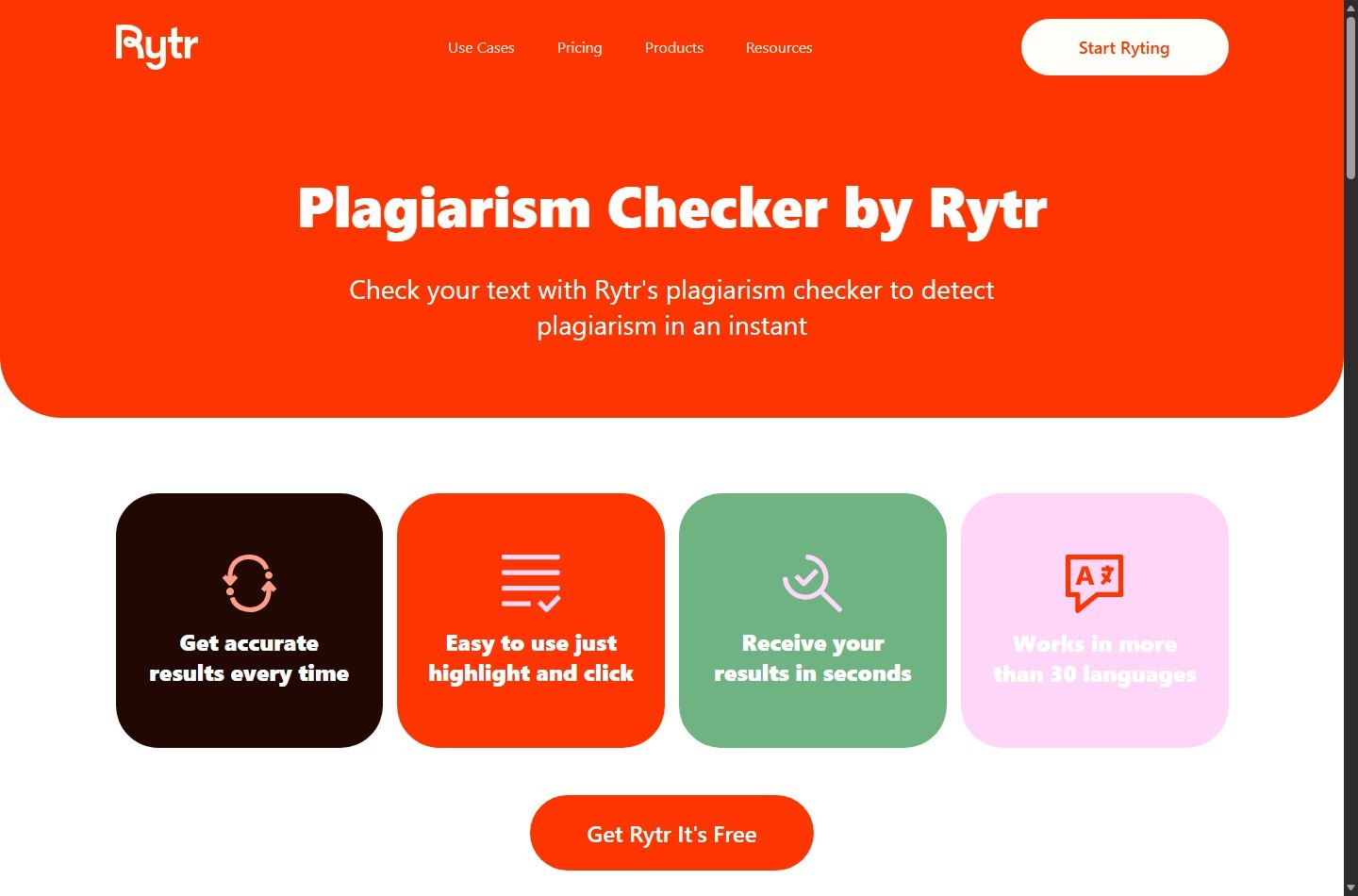
Rytr has a public plagiarism checker page that says the checker is powered by Copyscape. Current pricing lists no plagiarism checks on Free, 50 per month on Unlimited, and 100 per month on Premium. A check can flag matching text, but it is not a universal guarantee of originality, non-infringement, or permission to use third-party material. Review flagged passages, rework them when appropriate, and retain source and permission records for quotes, claims, and protected material.
The pricing FAQ says the user or entity using Rytr owns generated content, subject to the Terms. The Terms also say users retain rights to their content while granting Rytr a license described in the agreement, and users are responsible for not violating third-party rights. Those points should be reviewed together, not reduced to “plagiarism-free.”
Privacy gate
Rytr’s Privacy Policy says it may collect usage and content-generation data and describes sharing with third-party vendors for service functions. It also describes retention, security measures, and user rights, while acknowledging that no service can guarantee complete security. Do not paste unnecessary personal or confidential data into prompts. For regulated, contractual, or high-sensitivity work, have the appropriate privacy or legal owner review the vendor terms and your intended data flow before use.
Practical Email Examples and Templates
The following are ScaleWitAI editorial templates, not Rytr-generated samples and not claims about authenticated output. Replace bracketed fields, verify every fact, and adapt legal or compliance language to your organization.
Editorial template: product announcement
Prompt
> Write a concise announcement for existing customers. Announce [feature] available to [eligible users] on [verified date]. Explain two approved benefits without promising outcomes. Link the call to action to [destination]. Use an informative, upbeat tone.
Template
Subject: [Feature] is now available for [eligible users]
Hi [First name],
[Feature] is now available to [eligibility]. It lets you [verified capability] and [verified capability].
Review [documentation or release details] before enabling it, especially if your workflow includes [relevant dependency].
[View the release details]
Thanks, [Team]
Editorial template: client status update
Prompt
> Draft a professional client update using only this project data: [completed work], [open issue], [owner], [next milestone], and [verified date]. Put the decision needed from the client in a separate final paragraph. Do not invent progress or deadlines.
Template
Subject: [Project] update and decision needed by [date]
Hi [First name],
This week, we completed [verified work]. [Open issue] remains in progress, with [owner] responsible for [next action]. The next milestone is [milestone] on [verified date], subject to [known dependency].
Please confirm [specific decision] by [date] so the team can [consequence stated without exaggeration].
Regards, [Sender]
Current Plans and Workflow Implications
Rytr’s monthly pricing toggle showed Free at $0, Unlimited at $9 per month, and Premium at $29 per month when checked on August 1, 2026. Free lists 10,000 characters, one language, preset tones, no Tone Match, and no plagiarism checks. Unlimited lists unlimited generation, one Tone Match, and 50 plagiarism checks per month. Premium lists unlimited generation, multiple Tone Match, 100 checks, 35+ languages, and a higher input limit. The yearly view showed lower effective monthly figures with a 12-month commitment.
“Unlimited” remains subject to the Terms, including one-account and fair-usage provisions. Official pages conflict on exact language and personalized-tone counts, so verify the live pricing page and checkout. For buying-focused coverage, see our Rytr coupon and pricing guide, then confirm any offer directly at checkout.
If Rytr’s controls or review requirements do not match your process, compare the fit factors in our Rytr alternatives guide rather than forcing the tool into an unattended workflow.
If the drafting workflow fits your review process, try Rytr for email drafting.
Limitations to Plan Around
Rytr’s public evidence supports drafting, tone selection, editing, a Chrome extension, and plan-limited plagiarism checks. It does not support several claims marketers may be tempted to make.
Do not assume Rytr will:
- validate a recipient’s identity, role, intent, or current company data;
- guarantee factual accuracy or preserve every qualification during rephrasing;
- improve deliverability, sender reputation, open rate, conversion rate, or inbox placement;
- create compliant consent, unsubscribe, disclosure, or recordkeeping processes;
- guarantee unique or non-infringing copy after a plagiarism check;
- render and test the final message across email clients;
- prevent a merge-field failure in your sending platform;
- make every official feature description consistent across Rytr pages.
Troubleshoot Common Rytr Email Problems
| Problem | Likely cause | Editorial response |
|---|---|---|
| Draft feels generic | Brief lacks recipient context, proof, or a specific action | Add verified context and one approved proof point |
| Tone feels wrong | Preset tone does not match relationship or risk | Choose a safer tone, regenerate one section, then edit manually |
| Message invents details | Prompt leaves gaps or asks for persuasive specificity without evidence | Restrict the prompt to an approved fact list and remove unsupported text |
| Email is too long | Multiple goals or excessive background | Keep one objective, then use Shorten on selected passages |
| Output loses a qualification | Rephrase or tone change altered meaning | Restore the source wording and rerun the accuracy gate |
| Language is unavailable | Plan entitlement or current language selection differs | Check the live account and current pricing/help documentation |
| Plagiarism check is missing | Free plan has none, or paid quota is exhausted | Check plan limits and use an approved external review process if needed |
| Subject and body do not align | They were drafted independently without a final comparison | Verify sender, preview text, subject, promise, and call to action as one unit |
| Personalization token appears raw | Merge field or fallback is misconfigured in the sender | Preview test contacts in the sending platform before launch |
| Link or offer is wrong | Draft used stale campaign information | Replace it from the current approved source and test the destination |
Use a Controlled Verification Process Before Sending
A controlled check gives you evidence about your own workflow without turning this guide into an authenticated product claim. Use non-sensitive test data, record the date and plan, and keep the same brief across variants.
- Create a fictional recipient and a clearly labeled test offer.
- Prepare an approved fact sheet with three facts and two prohibited claims.
- Generate one direct, one problem-first, and one proof-first draft.
- Record whether each draft includes the required facts and prohibited claims.
- Apply one Shorten or Improve command to a selected passage and check for meaning drift.
- Generate subject options separately and verify subject-body alignment.
- If your plan includes plagiarism checks, record what text was checked and review any matches. Do not interpret a clean result as a legal guarantee.
- Move the chosen version into a test campaign, populate test merge fields, and send only to internal test addresses.
- Review desktop, mobile, plain-text, links, footer, and preference controls in the sending platform.
- Have a second person approve factual, brand, privacy, and campaign requirements.
Track pass or fail by criterion, not by whether the prose “sounds good.” The controlled process should establish whether Rytr reduces drafting effort while preserving your approval standards. It cannot establish broad deliverability, conversion, compliance, or accuracy claims from a small internal test.
If you want to evaluate the workflow without committing to a paid plan, start with Rytr’s available plan and verify current limits before entering production data.
FAQ
Can Rytr generate a complete email?
Rytr’s official email page says the AI Email Generator can transform a phrase, sentence, or keyword into a full-fledged email. Review the current output to confirm whether it includes all assets you need, especially the subject line, preview text, signature, and sending-platform elements.
Can Rytr write email subject lines?
The public email page does not clearly document a dedicated subject-line control. Rytr’s public AI Command Generator accepts instructions for content generation, so an editorial workflow is to request subject options separately, then verify each against the approved body.
How many email variants can Rytr generate?
The email page says users can continue refining, and the newsletter page says users can create more variants until satisfied. The public email page does not specify a fixed variant count. Generation availability also depends on plan limits and applicable terms.
Does Rytr personalize emails automatically?
Rytr publicly describes preset tones and Tone Match, but its email page does not promise verified contact enrichment or personalization accuracy. Supply only lawful, verified recipient facts and test merge fields in your email platform.
Is Rytr’s email output plagiarism-free?
Do not make that guarantee. Rytr offers a Copyscape-powered plagiarism checker on eligible paid plans, but a scan is not universal proof of originality, non-infringement, or permission. Review matches and the underlying rights yourself.
Is it safe to paste customer data into Rytr?
Rytr’s Privacy Policy says it may collect usage and content-generation data and describes vendor sharing, retention, safeguards, and user rights. Minimize data, avoid secrets and unnecessary personal information, and obtain privacy or legal review for sensitive or regulated use.
Does Rytr improve email deliverability or inbox placement?
Rytr’s public email materials describe writing and editing, not deliverability or inbox-placement guarantees. Those outcomes depend on factors such as sender reputation, authentication, list quality, content, infrastructure, and recipient behavior. Test them in your sending platform.
Which Rytr plan is best for email generation?
Free can suit occasional drafting within its 10,000-character monthly limit. Unlimited adds unlimited generation, one Tone Match, and 50 monthly plagiarism checks. Premium is positioned for multiple brands and adds multiple Tone Match, 100 checks, more languages, and a higher input limit. Verify current plan details because official pages conflict on some language and tone counts.
Can Rytr send an email campaign?
The official email page positions Rytr as a generator, and the site describes a Chrome extension and integrations for writing where you work. It does not establish Rytr as an email service provider with contact lists, campaign sending, deliverability analytics, or unsubscribe management. Use a suitable sending platform and keep final campaign QA there.