AIOSEO (All in One SEO) is one of the most established WordPress SEO plugins, now wrapping AI Assistant, AI content generation, TruSEO scoring, Link Assistant, Schema Generator, and Search Statistics into a single WordPress-native toolkit. In this review, I evaluate it for website owners, bloggers, content marketers, and SEO professionals using WordPress.
Quick Verdict: Is AIOSEO Worth It?
Yes, for most WordPress site owners, with a caveat about credit-based AI and plugin depth. AIOSEO earns a 7.9/10 in this evaluation.
| Attribute | AIOSEO Assessment |
|---|---|
| Best for | WordPress site owners who want an all-in-one SEO toolkit (content, links, schema, redirects, analytics) without leaving the dashboard |
| Core strength | Breadth: AI writing, on-page scoring, internal links, schema, redirects, and Search Console analytics in one plugin |
| Key limitation | AI features are credit-based and credits expire after 1 year; depth per module is thinner than specialist tools |
| Price | From $49.50/yr (Basic, first-year 50% off); Pro $179.55/yr is the vendor-marked "Best Deal" |
| Money-back | 14-day refund on opening a paid account; renewals non-refundable |
| Best for | Bloggers and content marketers inside WordPress; less ideal for headless or non-WP stacks |
Bottom line: If you run a WordPress site and want one plugin that covers AI writing, on-page scoring, schema, redirects, and analytics, AIOSEO is a strong default. Check current AIOSEO pricing and plans to see the first-year discount in your region.
The headline judgment comes down to three things. First, AIOSEO is a genuine all-in-one: the modules that usually live in separate plugins (schema, redirects, rank tracking, internal links) are bundled, and the AI layer is native to the WordPress editor rather than a bolt-on web app. Second, the pricing is aggressive on year one (50% off across all tiers), which lowers the switching cost. Third, the model is credit-based for AI, which is predictable for light use but needs planning for heavy use because credits expire after a year. Weigh those three against your workflow and the answer is usually clear.
What Is AIOSEO?
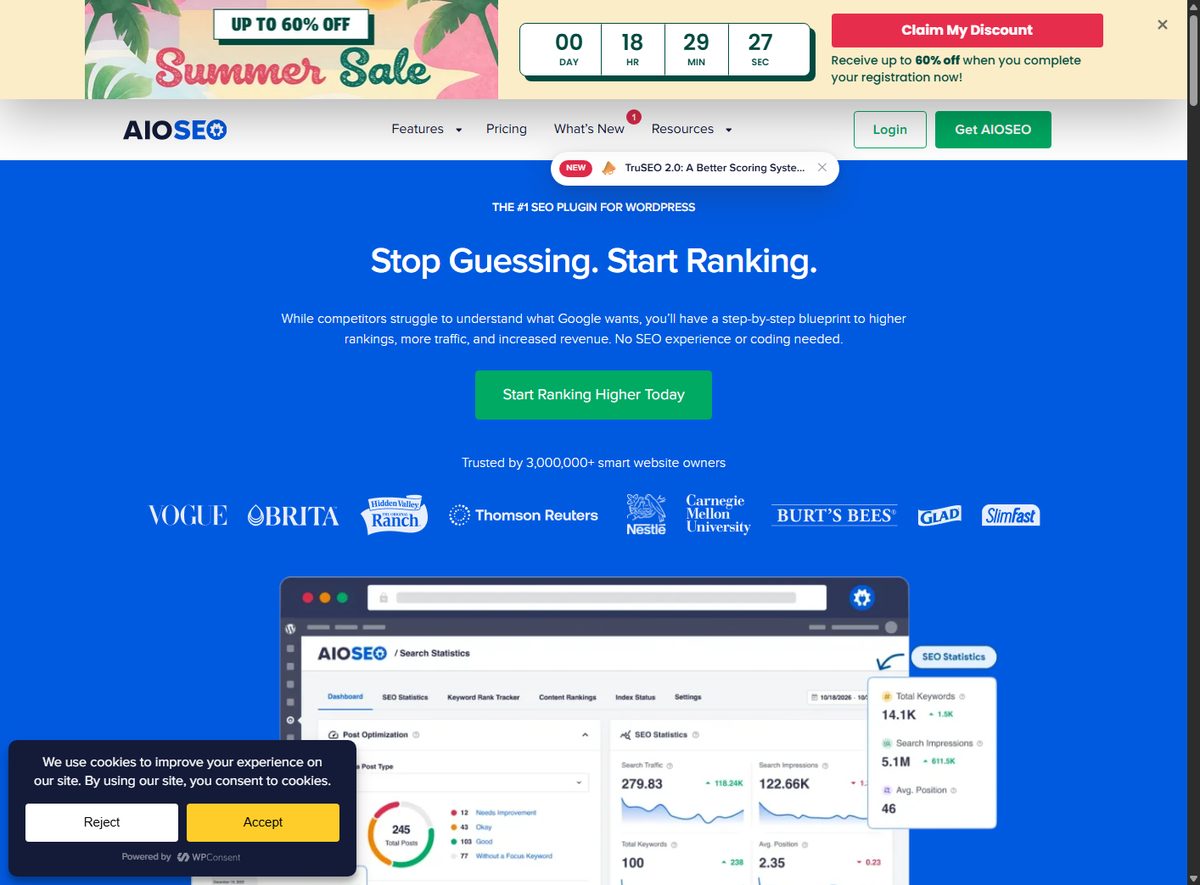
AIOSEO is a WordPress SEO plugin operated by Semper Plugins, LLC (per its Terms of Service). Unlike SaaS SEO platforms, it runs inside the WordPress dashboard you already use, and a free Lite version is available on WordPress.org for basic SEO needs. The vendor markets it as "The #1 SEO Plugin for WordPress" and reports 3,000,000+ users (a first-party marketing claim).
Its core positioning has shifted over time from "classic" SEO (meta tags, sitemaps, redirects) toward a broader all-in-one toolkit that now includes AI content generation, real-time on-page scoring, internal link management, schema markup, and Google Search Console analytics. For readers comparing WordPress SEO plugins broadly, it sits inside the AI writing and content tools category because its AI content engine is a first-class feature, not an add-on.
How Does AIOSEO Work?
AIOSEO works as a plugin that adds an SEO layer to every WordPress post, page, product, and taxonomy. Three mechanisms define how it operates:
WordPress-native dashboard
Every module lives in the WordPress admin. You configure global settings once (titles, sitemaps, social, schema defaults), then use per-post panels for the content-specific work. There is no separate app to log into for the core plugin. For content teams, this means the SEO layer sits where the writing happens, which reduces context-switching compared to SaaS tools that require a separate tab and a copy-paste round trip.
Credit-based AI usage
The AI features (AI Assistant, AI Content Generator, AI Image Generator) run on a credit system. Each paid plan includes an allowance (10,000 credits on Basic up to 200,000 on Elite), and Pro users connect via their license key. You can also buy pay-as-you-go credits (10,000 credits = $9.99) if you exceed your plan allowance. Important caveat: credits are valid for 1 year after purchase per the AI credits page, so you cannot bank them indefinitely. The vendor's marketing materials describe the credit model as "pay only for content you use," which is accurate for top-ups but the expiry window is worth planning around.
Setup wizard and free Lite version
The free Lite version introduces the interface and core SEO features; the paid tiers unlock AI, TruSEO depth, Link Assistant automation, Local SEO, and advanced redirects. A setup wizard walks you through site type, social profiles, sitemap, and schema on activation. The vendor's documentation site covers each module with step-by-step guides, and support is available on paid tiers (Standard on Basic/Plus, priority on Pro/Elite).
What Are AIOSEO's Key Features?
AI Assistant and AI content generation
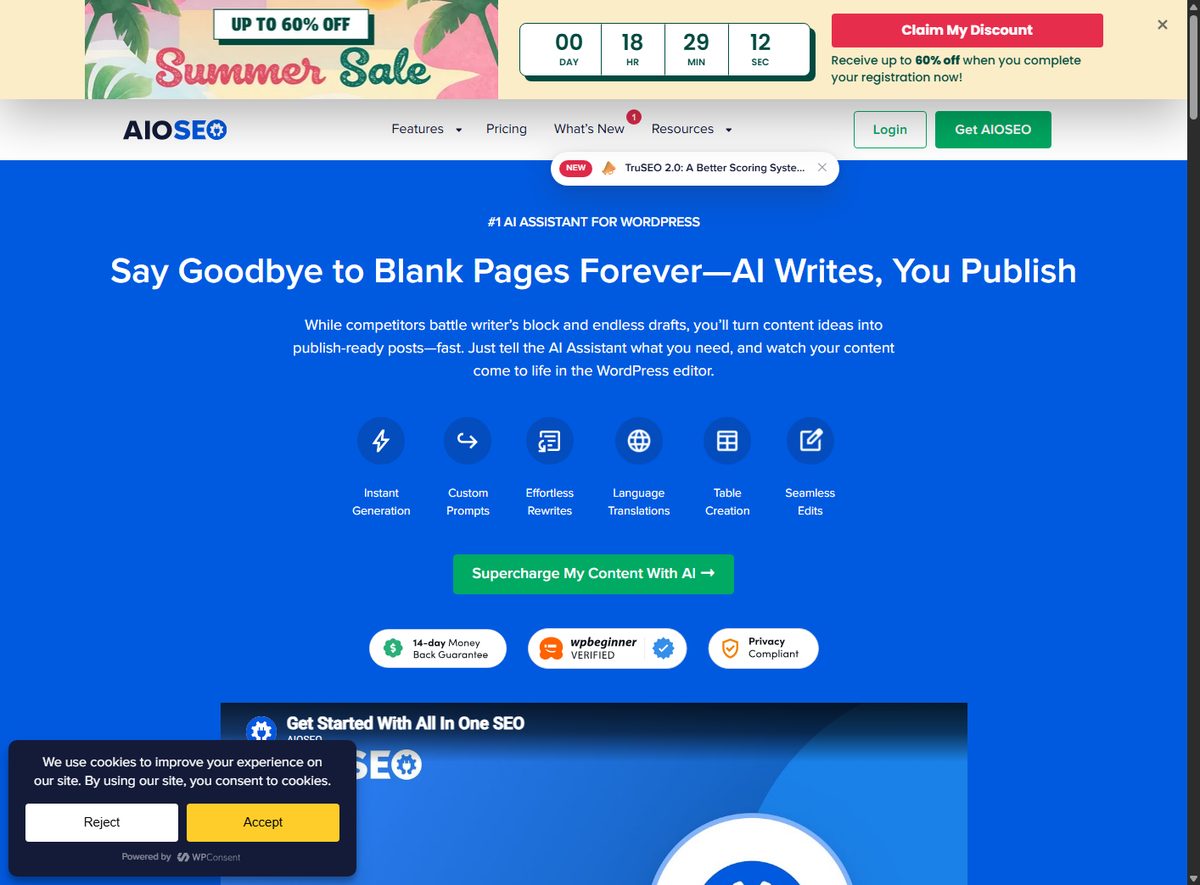
The AI Assistant generates blog posts, product pages, summaries, FAQs, tables, and lists directly in the WordPress editor, with instant generation, custom prompts, effortless rewrites, and language translations. The AI Content Generator creates FAQ blocks (with schema), key points, social media posts (LinkedIn, Facebook, X, Instagram), email copy, and SEO titles/meta descriptions in one click, plus AI Bulk Actions to update site-wide metadata at once.
TruSEO content scoring
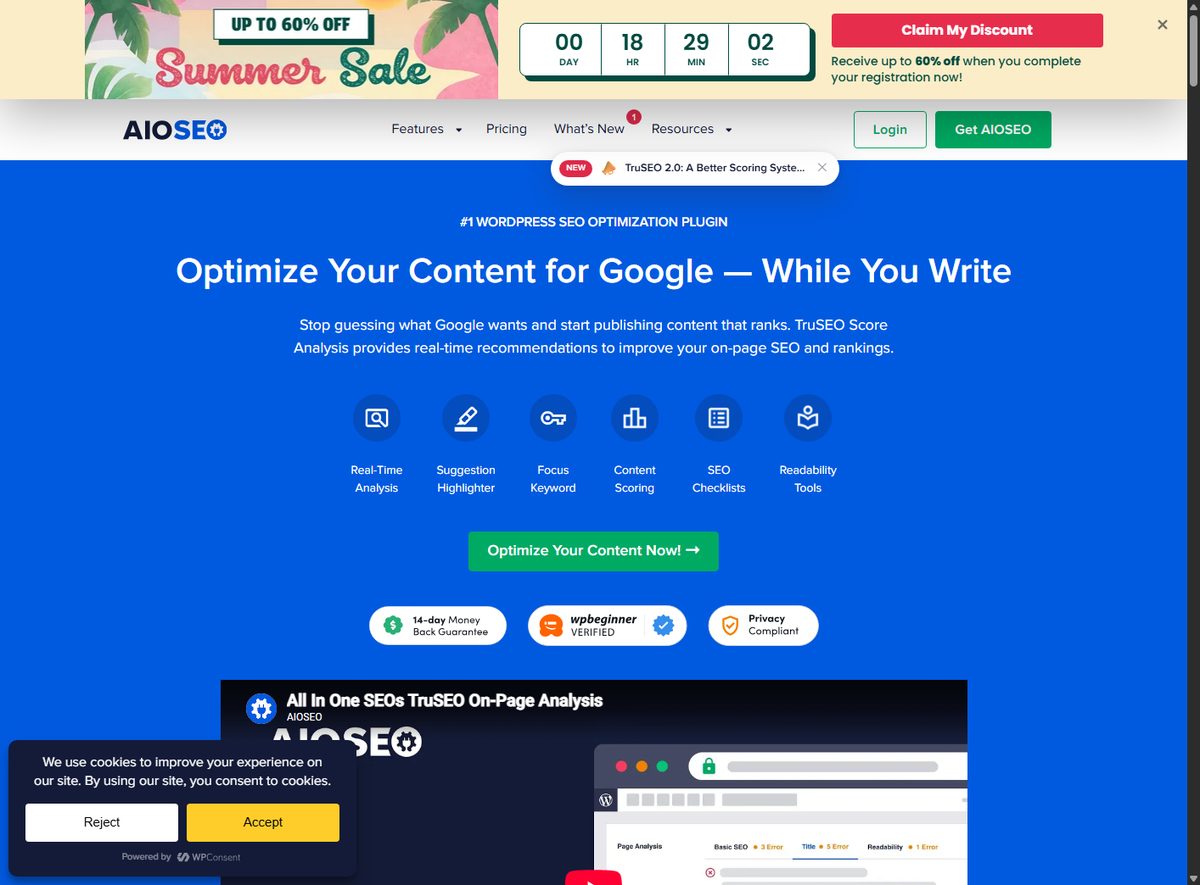
TruSEO Score Analysis provides real-time on-page scoring across 70+ SEO factors, a content highlighter, Semrush keyword suggestions, readability analysis, and SERP/social previews. It integrates with page builders including Elementor, Divi, and SeedProd, so you get scoring while you write inside the editor.
Redirection Manager
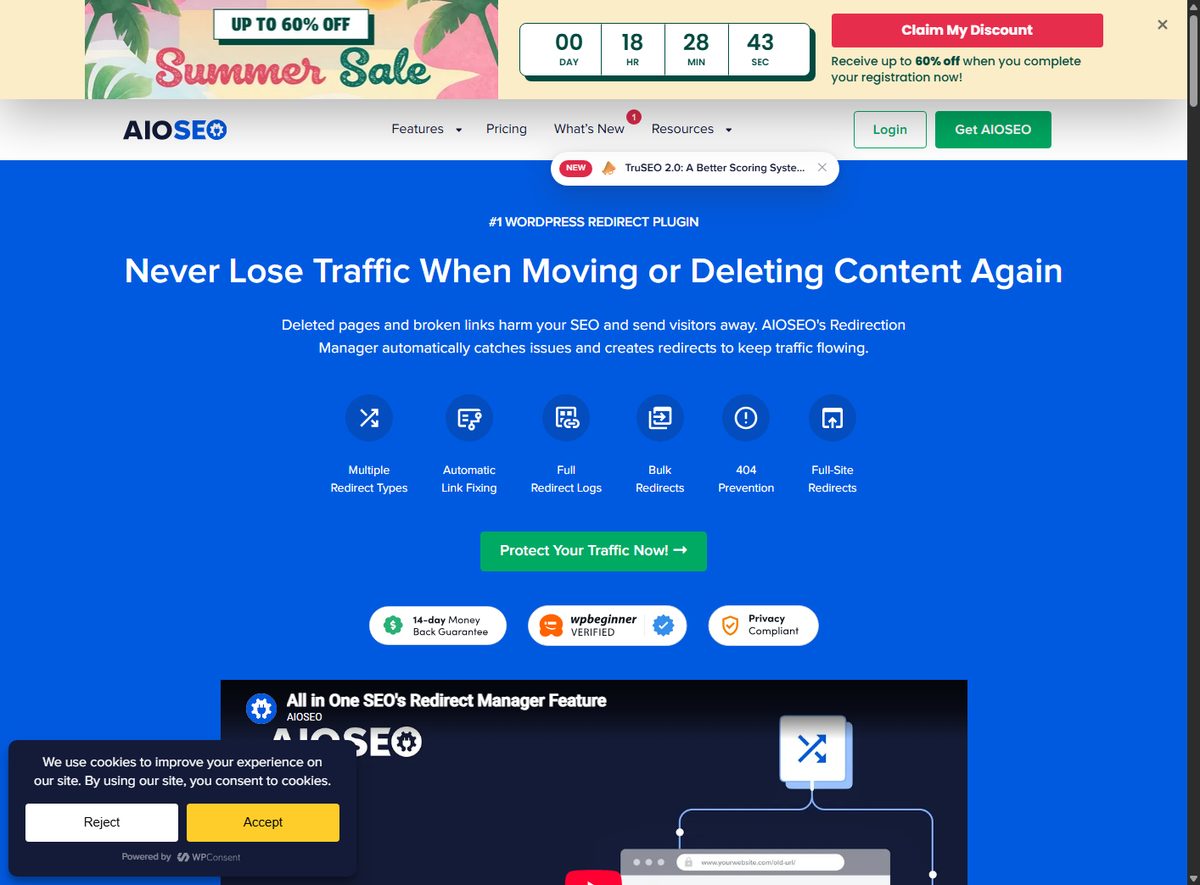
The Redirection Manager handles 301/302/307 redirects, automatic 404 detection, bulk redirects, full-site redirects, regex/wildcard matching, and redirect logs. It also offers automatic content protection when you move or delete a page, which prevents lost traffic from broken URLs.
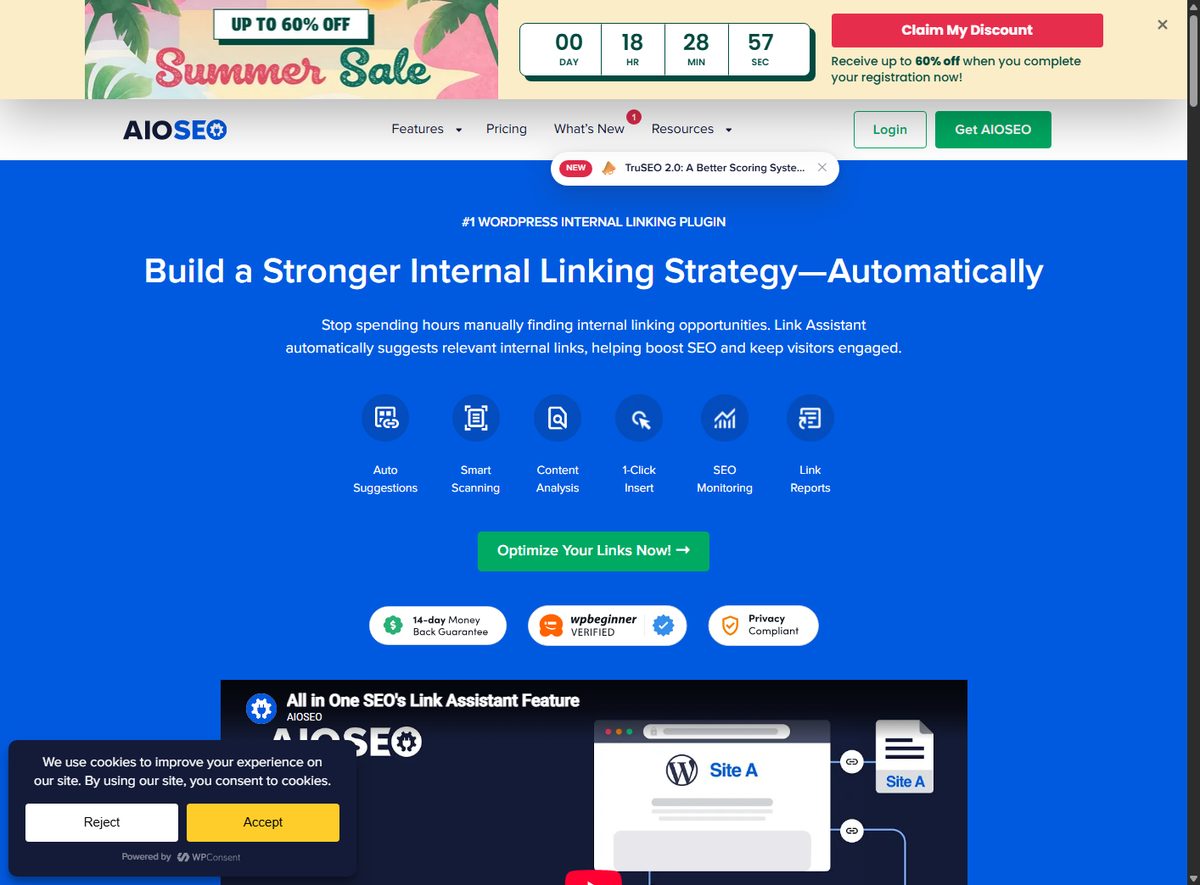
Link Assistant
The Link Assistant gives AI-powered internal linking suggestions, an anchor text generator, bulk link management, cornerstone linking, and link reports inside WordPress. It flags orphaned posts and gives actionable suggestions rather than just a link map.
Schema Generator
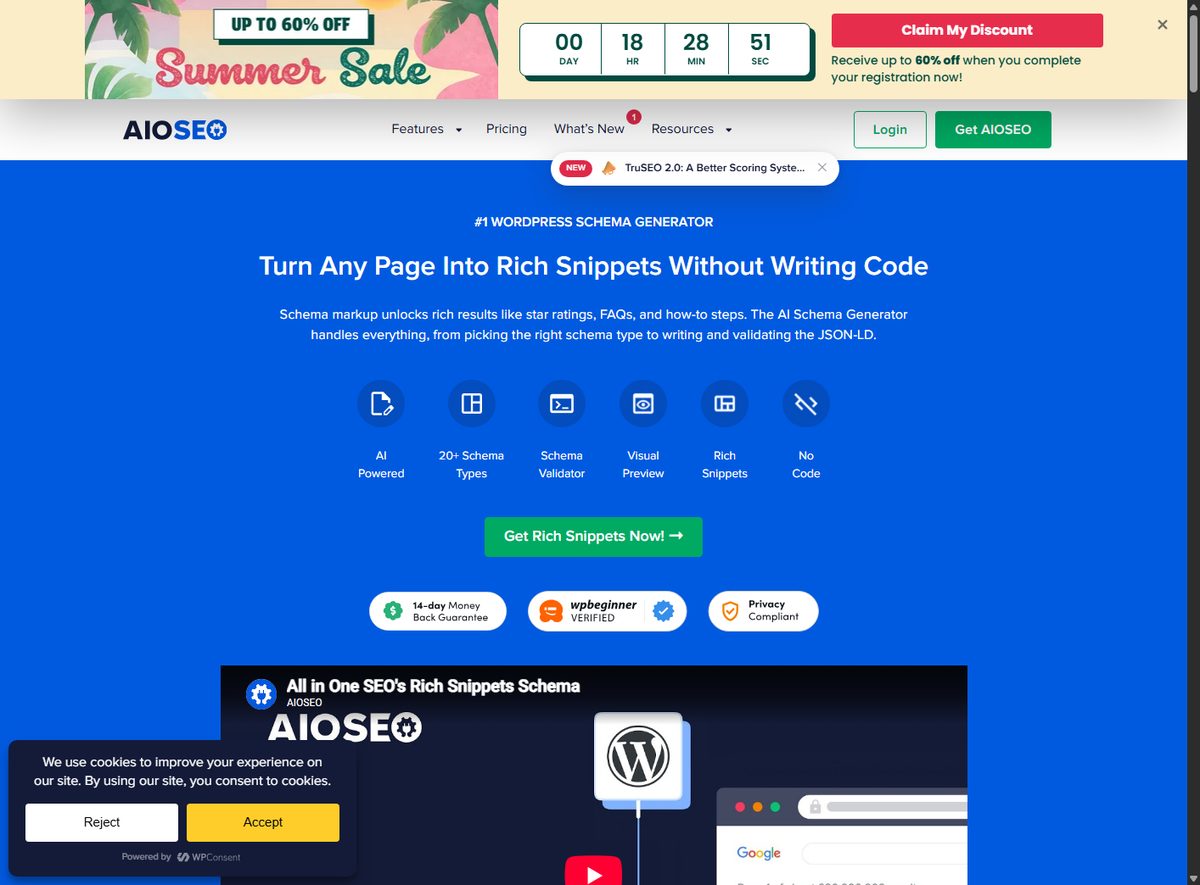
The Schema Generator supports 20+ schema types (Article, Product, FAQ, HowTo, Recipe, Review, Event, LocalBusiness, and more), with Smart Schema (AI recommends the type from your content) and Prompt-Based Schema (describe what you want). It includes validation, a rich snippet preview, a custom JSON-LD builder, and schema templates you can reuse across pages.
Search Statistics
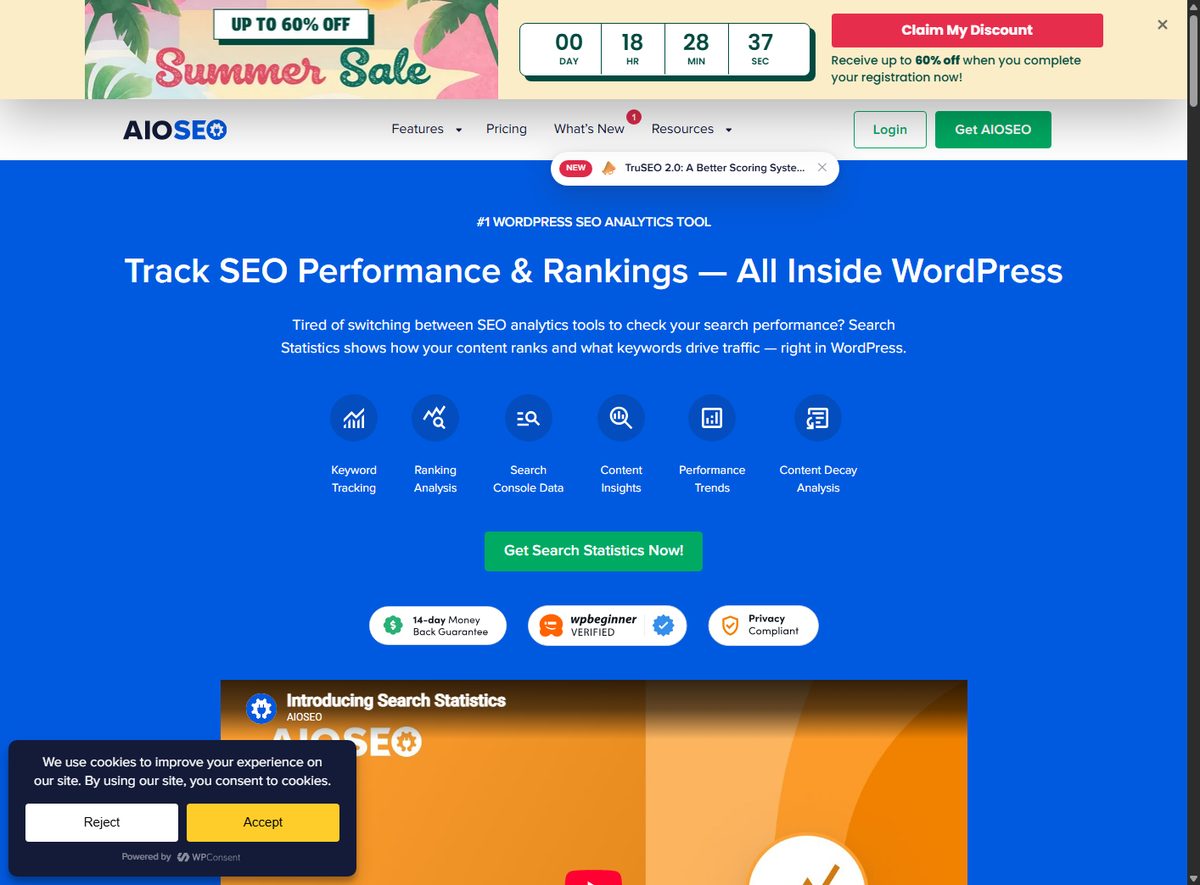
Search Statistics integrates Google Search Console to show impressions, clicks, average position, and CTR inside WordPress. It adds keyword rank tracking, content decay analysis, winners/losers breakdowns, index status monitoring, and automated reporting.
LLMs.txt Generator
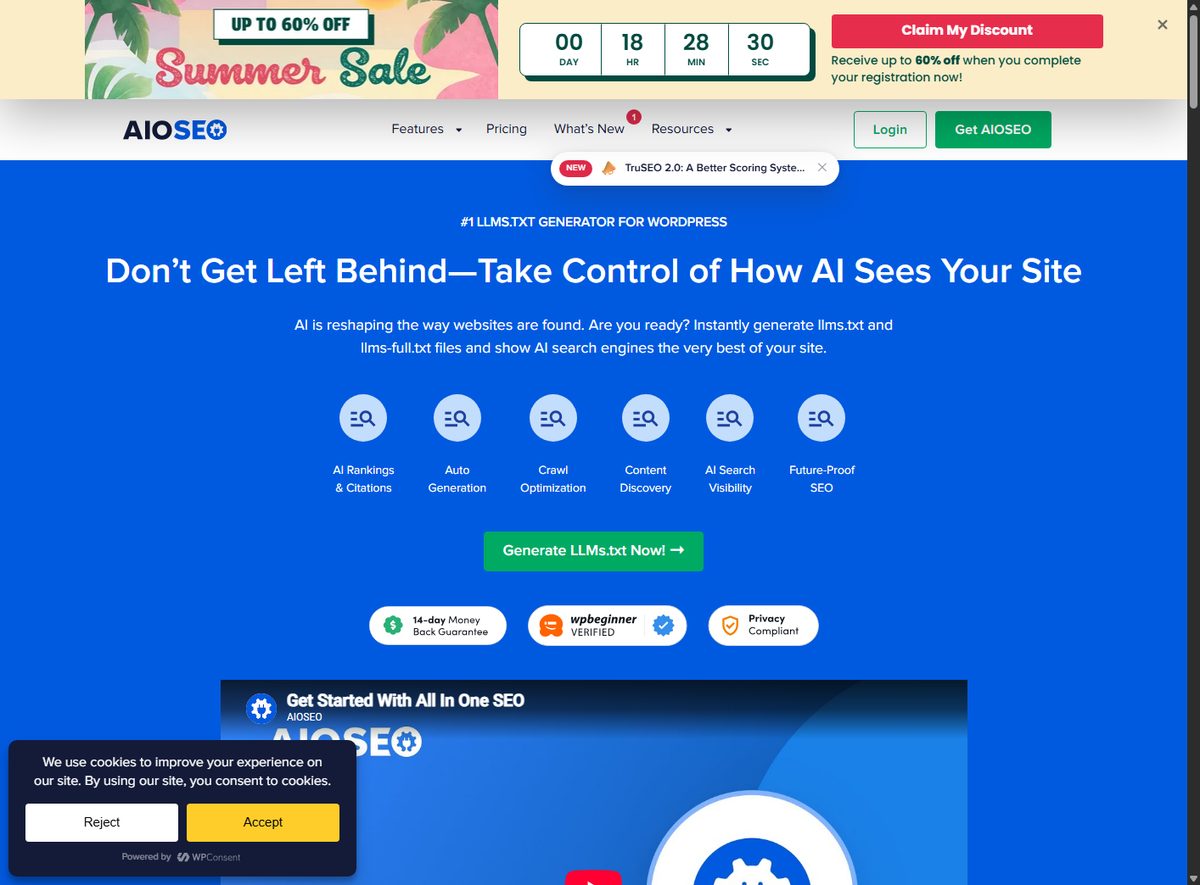
The LLMs.txt Generator creates llms.txt and llms-full.txt files to control how AI engines index your site, with custom content selection, markdown conversion, and link controls. This is a forward-looking feature for AI search visibility.
Local SEO and WooCommerce
Local SEO handles Google Maps integration, multi-location support, LocalBusiness schema, opening hours, and NAP validation. It imports existing business data from other plugins and flags inconsistent NAP details that hurt local rankings. WooCommerce SEO adds product schema (price, rating, availability, stock), rich snippets, dynamic attributes, variation SEO, and category optimization for store owners, plus shipping and return details in schema and product sitemap integration.
Who Is AIOSEO Best For?
- Bloggers and content marketers who want AI drafting plus on-page SEO feedback in one dashboard.
- Website owners who want a single plugin covering sitemaps, redirects, schema, and analytics instead of five separate plugins.
- SEO professionals managing multiple WordPress sites who need Link Assistant automation, bulk metadata, and client-facing reports (Elite tier adds client management and multisite tools).
- Agencies that prefer one license across many client sites (Pro 10 sites, Elite 100 sites).
- Local businesses on WordPress that want LocalBusiness schema, Google Maps, and multi-location management without a separate local SEO platform.
It is less ideal for teams on headless or non-WordPress stacks, or for buyers who want a specialist-depth tool for one discipline (e.g., pure NLP content optimization or pure rank tracking), where specialist tools like NeuronWriter, Clearscope, or Koala may go deeper in their niche.
What Does Onboarding Look Like?
Onboarding follows the WordPress plugin pattern: install, activate, run the setup wizard. The wizard asks for site type, connects social profiles, sets up XML sitemaps, and preconfigures schema defaults. AI features require either a paid license key (auto-connects) or purchased credits. Local SEO and Search Statistics require additional setup (business details; Google Search Console connection via oAuth). The vendor's documentation site and FAQ sections cover each module with step-by-step guides, and support is available on paid tiers (Standard on Basic/Plus, priority on Pro/Elite).
A few practical notes from the documented setup path: Search Statistics depends on an active Google Search Console property, so you need the site verified in GSC first; Local SEO asks for your business NAP details before schema can be generated accurately; and the AI tools prompt you to connect a license key or buy credits the first time you open the editor. None of these steps is a blocker, but they mean the "out of the box" experience assumes you already own the underlying Google/WordPress accounts.
How Much Does AIOSEO Cost?
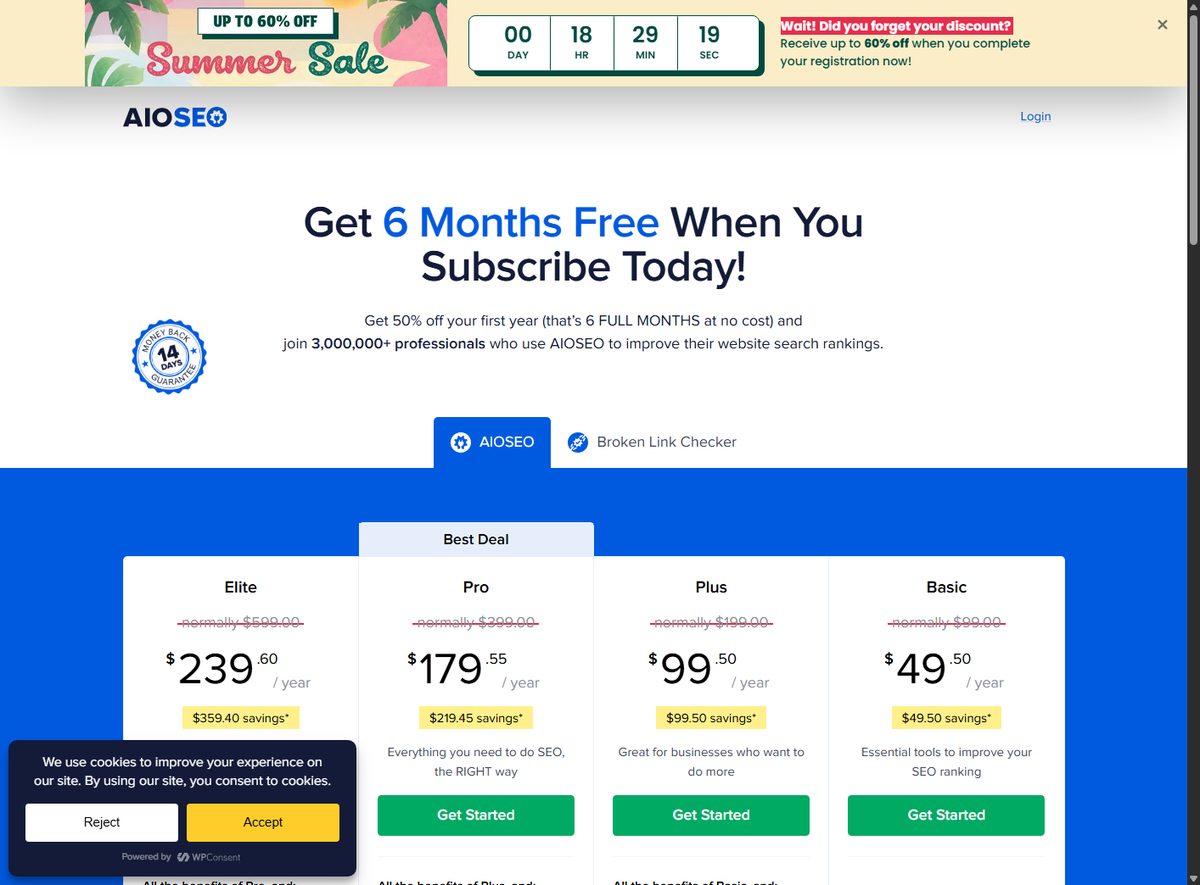
All plans are billed annually and include a 50% off first-year promo ("Get 6 Months Free When You Subscribe Today!"). Prices below are the rendered states captured on August 6, 2026, from the AIOSEO pricing page.
| Plan | Regular / year | First-year price | Sites | AI credits |
|---|---|---|---|---|
| Basic | $99.00 | $49.50 | 1 | 10,000 |
| Plus | $199.00 | $99.50 | 3 | 25,000 |
| Pro | $399.00 | $179.55 | 10 | 50,000 |
| Elite | $599.00 | $239.60 | 100 | 200,000 |
- Pro is marked "Best Deal" by the vendor, adding 30 SEO revisions, Event Schema, video/news sitemaps, full-site redirects, Link Assistant automation, and link reports.
- Elite adds unlimited SEO revisions, SEO Statistics, Keyword Rank Tracking, client management, and multisite/network tools.
- All plans include unlimited SEO audits, TruSEO analysis, AI Writing Assistant (Basic has a footnote), ChatGPT AI tools, and standard support.
- AI credits beyond the plan allowance: pay-as-you-go, 10,000 credits = $9.99 (from the AI credits page); credits valid 1 year after purchase.
- Custom plans available via sales for larger needs.
- 14-day money-back guarantee applies to the first 14 days of a paid account; renewals are non-refundable per the refund policy.
Tip: The first-year discount makes the entry price low, but renewal is at the regular annual rate. Compare AIOSEO plans and what each tier includes before you commit to a site count.
What Are the Pros and Cons of AIOSEO?
| Pros | Cons |
|---|---|
| Breadth: AI writing, on-page scoring, schema, redirects, analytics in one plugin | AI features are credit-based; credits expire after 1 year |
| WordPress-native workflow, no separate app | Depth per module is thinner than specialist tools |
| TruSEO real-time scoring with page builder support | Local SEO and Search Statistics need extra setup |
| LLMs.txt generator for AI search visibility | No native support for non-WordPress sites |
| 14-day refund, all plans include unlimited audits | Renewals non-refundable |
| Strong documentation and support on paid tiers | Pricing promo changes over time (50% off first year) |
How Does AIOSEO Compare to Specialist SEO Tools?
AIOSEO is a generalist plugin; specialists go deeper in one discipline. This matters for buyers comparing against content optimization platforms.
| Capability | AIOSEO | NeuronWriter | Clearscope | Koala |
|---|---|---|---|---|
| Approach | All-in-one WP plugin | NLP content optimization | Content optimization (briefs) | Fast AI article writer |
| AI writing | Yes (credit-based) | Limited (editor focus) | No | Yes (subscription) |
| On-page scoring | TruSEO (70+ factors) | Deep NLP analysis | SERP-grounded briefs | Basic |
| Schema | 20+ types built-in | Limited | No | No |
| Rank tracking | Search Statistics (GSC) | Yes | Yes | No |
| Internal links | Link Assistant | Limited | No | No |
| Pricing model | Annual license | Subscription | Subscription | Subscription |
The takeaway: if you want one plugin to run a WordPress site's SEO, AIOSEO wins on breadth. If you need deep content optimization for a content team, a specialist like Clearscope or NeuronWriter may justify its subscription. If you need fast bulk AI articles with less SEO tooling, Koala fits that niche.
For most WordPress teams, the all-in-one approach wins. Get AIOSEO and see if the toolkit covers your stack.
Which AIOSEO Attributes Should Buyers Check?
- AI credit economics: verify your usage rate against the plan allowance, and note credits expire after 1 year. Heavy AI users should model the cost of top-ups.
- Site count vs. workflow: Basic (1 site) is fine for a single blog; agencies need Pro (10) or Elite (100) plus client management.
- TruSEO depth: for content teams, check whether the 70+ factor scoring and Semrush integration replace a specialist workflow like Dashword.
- Renewal terms: first-year discount does not extend to renewals; confirm the renewal rate (regular annual price) before committing.
- Search Statistics setup: requires Google Search Console connection via oAuth; verify your account access first.
- Refund timing: the 14-day window is from opening the paid account; request within 24 business hours of that mark to be safe, and renewals are non-refundable.
- Privacy and usage data: per the privacy policy, AIOSEO collects usage tracking (license key, activation dates, active plugins/themes, locale, PHP/MySQL versions), but API keys are automatically excluded from tracking. Google Search Console data flows through oAuth with prior consent. The vendor states it does not rent or sell personal information, and EU users have GDPR rights (contact [email protected]). If your organization has strict data-handling rules, review the privacy policy before connecting GSC or AI features.
- Billing currency: fees and refunds are in USD; the vendor may modify billing rates with 30 days written notice, and subscription changes are posted on the site.
Is AIOSEO Worth It?
AIOSEO is worth it for WordPress site owners who want breadth in one plugin and who are comfortable with credit-based AI. The core value is not any single feature but the combination: AI drafting plus real-time on-page scoring, schema, redirects, internal links, and Search Console analytics all in the dashboard you already use. At $49.50 for the first year (Basic), the entry cost is low, and the 14-day refund limits downside risk.
Where the value concentrates: if you are currently juggling a separate schema plugin, a redirect manager, a rank tracker, and an AI writing tool, AIOSEO replaces several subscriptions with one annual license. For a single-site blog, Basic covers the essentials; for a content team managing multiple sites, Pro's Link Assistant automation and 50,000 credits make the $179.55 first-year price more compelling than the entry tier.
Where the value thins: heavy AI users will hit the credit ceiling and buy top-ups (10,000 credits = $9.99), which is fine for occasional use but adds up for teams generating images or long-form posts at scale. And if you already run a specialist stack you are happy with (for example a dedicated rank tracker plus a dedicated content optimization platform), AIOSEO's breadth may be redundant rather than additive.
The main reasons to look elsewhere: you are not on WordPress (AIOSEO is plugin-bound), you need specialist-depth content optimization, or your AI usage is heavy enough that credit top-ups erode the value. For everyone else, AIOSEO's breadth and WordPress-native design make it a sensible default choice for an all-in-one SEO toolkit.
Ready to try it? The 14-day refund window makes the risk low. Start with the plan that matches your site count.
How We Test and Score
ScaleWitAI funds every account used in this review with its own capital. We subscribe to all paid tiers with self-funded plans and never use sponsored, gifted, or vendor-provisioned accounts, so our evaluation reflects the same product a paying customer receives and stays 100% independent of vendor influence.
Evaluation combines standardized test suites with hands-on workflow testing. We use HumanEval-style tasks to probe logic and code reasoning, BLEU/ROUGE-style metrics to measure natural-language quality, and internal stress-test scenarios to map context-window limits and long-input behavior. We run more than 10,000 prompts per AI platform every year, across varied access conditions, and log results against a transparent scoring rubric.
The dataset for this review was collected over 12 months (from August 2025 to August 2026). Historical comparisons track AI model development since 2024, and this report tests and compares 12+ leading AI models and providers on the market.
Frequently Asked Questions
Is AIOSEO free?
AIOSEO has a free Lite version on WordPress.org covering core SEO (meta tags, sitemaps, basic schema). Paid plans start at $49.50/yr (Basic, first-year 50% off) and unlock AI features, TruSEO depth, Link Assistant, Local SEO, and advanced redirects.
Is AIOSEO better than Yoast?
It depends on your priorities. AIOSEO offers broader AI content tools, Search Statistics, Link Assistant, and a more modern interface, while Yoast has a longer history and strong readability focus. AIOSEO's all-in-one approach (schema, redirects, analytics included) is a strong argument for most WordPress sites.
How many AI credits do I need?
A short blog post typically uses a modest number of credits; the plan allowance (10,000 on Basic, up to 200,000 on Elite) covers light-to-moderate use. If you generate images or long posts frequently, monitor your usage and consider top-ups (10,000 credits = $9.99).
Do AIOSEO credits expire?
Yes. Per the AI credits page, credits are valid for 1 year after purchase. Plan-included credits follow the same validity window, so banked credits do not last forever.
Is AIOSEO good for local SEO?
Yes, with setup. The Local SEO module adds Google Maps integration, multi-location support, LocalBusiness schema, opening hours, and NAP validation, all from WordPress. It requires entering your business details and configuring locations.
Does AIOSEO work with WooCommerce?
Yes. The WooCommerce SEO module adds product schema (price, rating, availability, stock), rich snippets, dynamic attributes, variation SEO, category optimization, and sitemap integration for store owners.
Can I use AIOSEO on multiple sites?
Yes, depending on the plan: Basic 1 site, Plus 3, Pro 10, Elite 100. Elite adds multisite/network tools and client management for agencies.
Does AIOSEO include schema markup?
Yes. The Schema Generator supports 20+ schema types with Smart Schema AI recommendations, Prompt-Based Schema, validation, rich snippet previews, a custom JSON-LD builder, and reusable schema templates.
What is the AIOSEO refund policy?
AIOSEO offers a 14-day money-back guarantee on the first 14 days of opening a paid account, with refund requests typically processed in 5-10 business days. Renewals are non-refundable, and refunds are issued in USD.
Does AIOSEO track keyword rankings?
Yes, through Search Statistics. It integrates Google Search Console to show impressions, clicks, average position, and CTR, with keyword rank tracking, content decay analysis, and winners/losers breakdowns inside WordPress.
